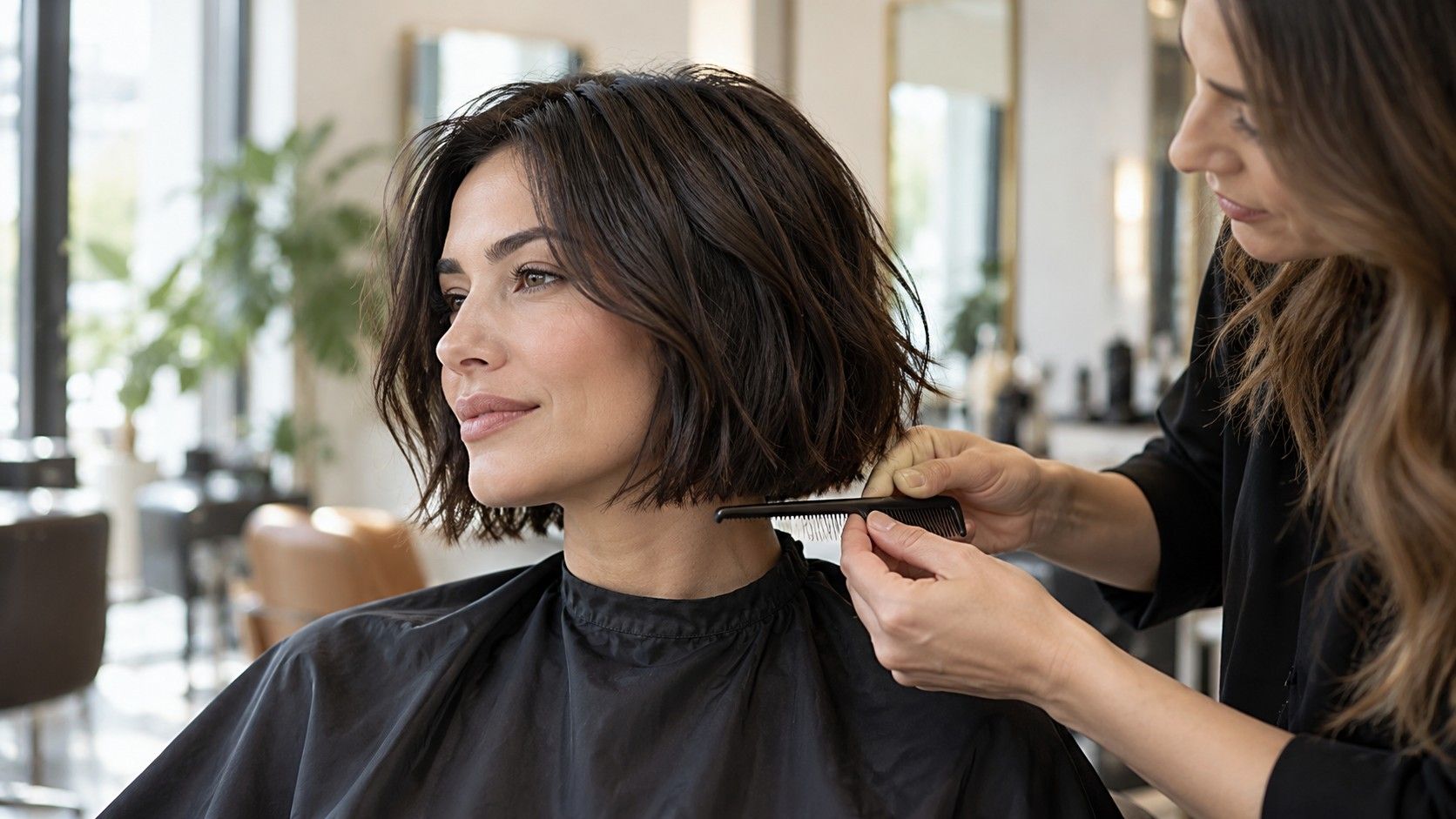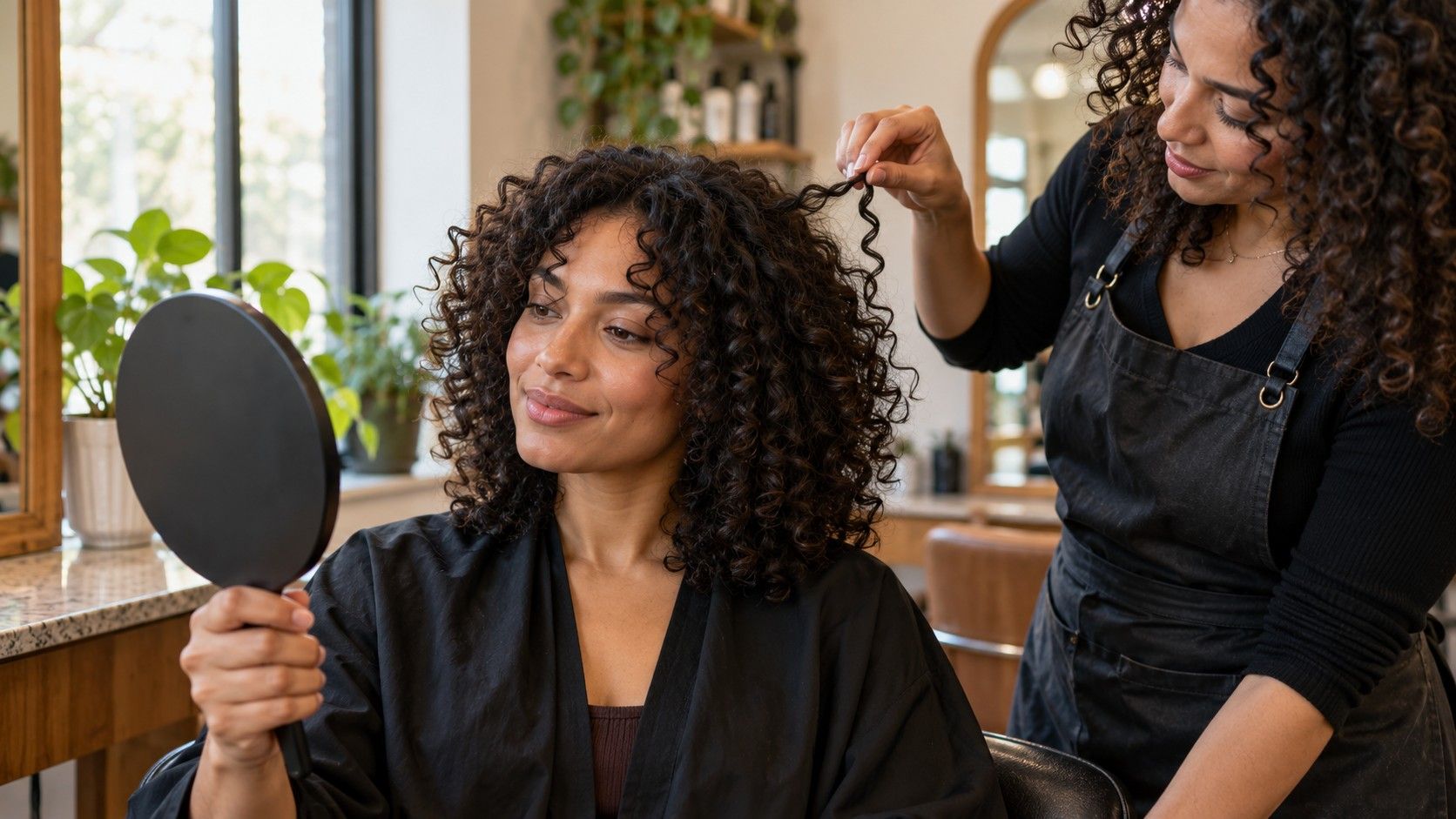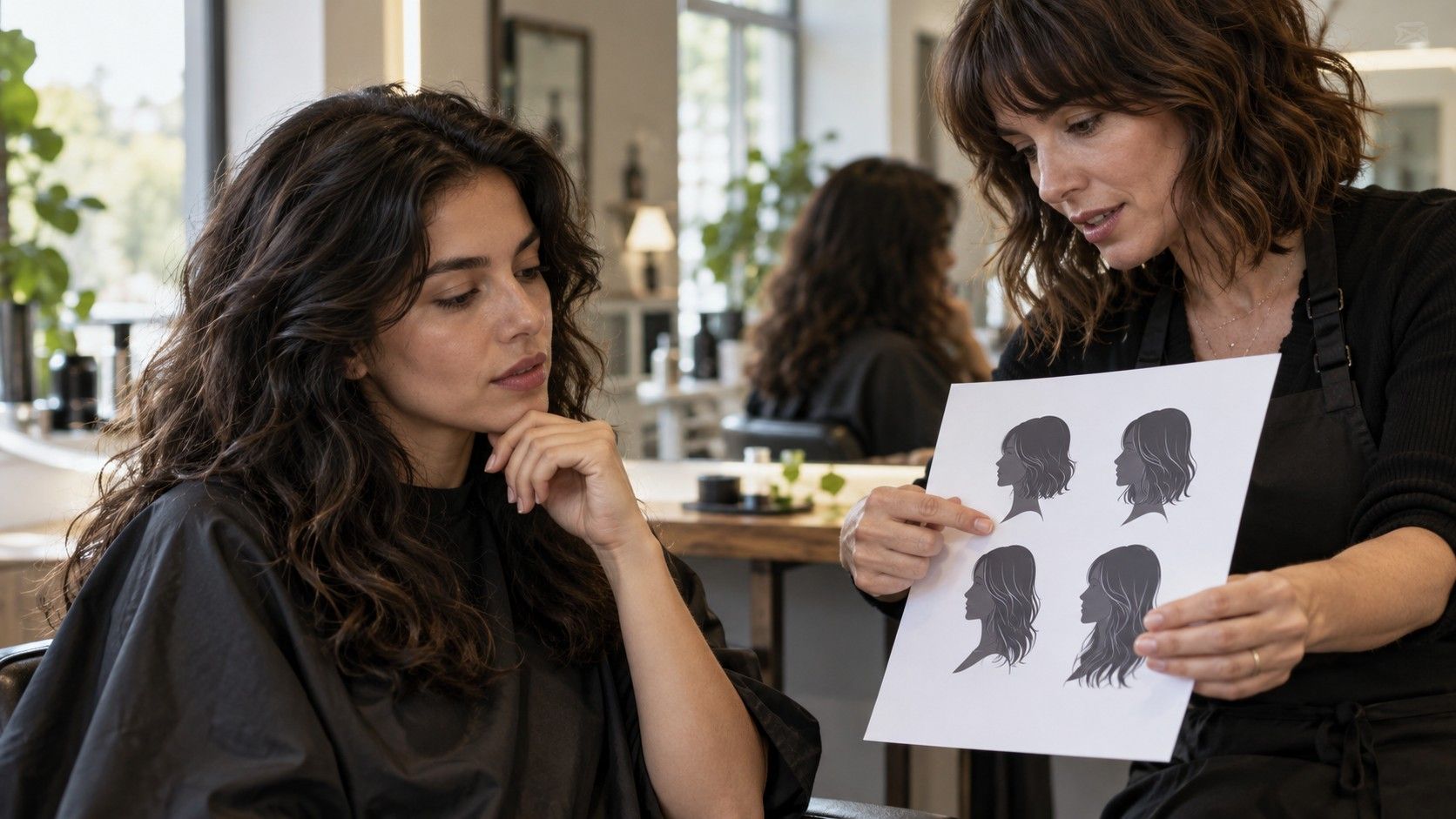
A hair style suggest app can be a useful place to begin when you know you want a change but cannot yet name the cut. The recommendation only earns your attention if it considers more than a face outline. Hair texture, density, current length, growth pattern and the time you have for styling all affect whether an idea works outside the screen. Treat suggestions as prompts to compare, then check them against your real routine before taking one to a salon.
Look for suggestions that explain the choice
A useful recommendation connects a visible feature to a practical reason. It might suggest face-framing layers because you want movement around the cheeks, or a longer fringe because you are curious about bangs but wary of frequent trims. A result that simply names a cut gives you little to evaluate. Ask yourself what the app appears to be responding to, and whether that reason matches the change you actually want.
Start with a recent photo taken near a window, with your hair visible and your head held naturally. A straight-on image gives a tool a consistent starting point; a second image with your usual part can show how your hair falls in daily life. If recommendations change dramatically between similar photos, that is a reason to browse with caution. The system may be reacting to lighting or angle rather than a meaningful difference in your features.
Keep the first round narrow. Compare a couple of silhouettes—perhaps a long bob and shoulder-length layers—before asking the app to propose color, bangs and styling at the same time. Each extra change makes it harder to understand why one suggestion feels more appealing. Save what interests you and write a short note beside it: “lighter ends,” “keep enough length to tie back,” or “soft pieces near the jaw.”
Use face shape as one clue, not a rulebook
Face-shape labels can help describe proportions, but real faces rarely fit a tidy category from every angle. A suggestion based on an oval, round or square outline should not dictate what you are allowed to wear. Hairline, forehead, glasses, personal taste and the way you part your hair also change the effect. If a recommendation feels wrong, you do not need to “correct” your face to make it work.
Instead, notice the specific relationship you like in the preview. Do longer pieces soften the area beside your jaw? Does a side part give you the balance you want? Does a fringe draw attention to your eyes, or land at a length that would bother you? Those observations are more actionable than a label. You can tell a stylist, “I like having a little movement at the cheek, but I do not want a heavy bang,” and let them adapt the shape.
Take the camera angle seriously. A close selfie can widen features near the lens and distort proportions, while a high angle may make the forehead look smaller. For a fair comparison, stand at a comfortable distance, keep the camera around eye level and use even light. The app’s category may still be useful, but the photograph is an input with its own quirks—not a measurement of your face.
Check whether the recommendation fits your texture and density
Two people with the same face outline can get very different results from the same cut. Fine, dense hair may hold a blunt shape but feel heavy at the ends; fine, sparse hair may lose the fullness a layered preview suggests. Thick hair can carry strong layers, though the wrong placement may create unwanted bulk. Wavy and curly hair can spring shorter when dry, so a simulated length on straightened strands is a poor guide to the finished outline.
Think about how your hair behaves on an ordinary day, not just after a salon blowout. Does it puff in humidity, flatten at the crown, or form a wave only at the ends? Does one side curl more strongly? A tool may not detect these details, but you can use them to filter what it suggests. Save a preview only if you can imagine the shape with your natural texture or understand what styling would be required to reproduce it.
Bring the stylist a photo of your hair in its usual state. Ask where the shape would sit after it dries naturally and whether the suggested layers suit your density. If the image shows a dramatic amount of volume, ask what part comes from the cut and what part depends on styling. Separating those two is helpful: it prevents an attractive preview from quietly setting an expectation the cut alone cannot meet.
Compare recommendations with the upkeep you want
The daily routine is often where a beautiful suggestion succeeds or fails. A polished bob may need a quick round-brush finish to keep its curve; curtain bangs can require regular shaping and some attention after sleep. Long layers may be easier to tie back, yet they can still need a deliberate routine if you want the soft movement shown in a preview. Think through a Monday morning, not only the day you leave the salon.
Use a simple check before saving a style. How often would it need a trim to keep its intended outline? Would you be comfortable using heat several times a week? Can you refresh it with water, a diffuser or a quick brush? What happens when you let it air-dry? The answers do not have to be exact. They help distinguish a cut you admire from one that fits the time and energy you want to give your hair.
This table can make that comparison easier:
| Recommendation type | What to check | Question for your stylist |
|---|---|---|
| Short bob or crop | Shape around ears and neckline as it grows | How often should I plan a trim? |
| Fringe or curtain bangs | Growth direction, forehead length and daily styling | Can the fringe sit well with my natural part? |
| Long layers | Whether the layers show with your texture and density | Will I keep enough weight to tie it back? |
| Curly or wavy shape | Dry length, shrinkage and uneven curl pattern | Can you shape it in its natural state? |
Ask better questions before acting on a suggestion
A preview is a visual starting point, not a prediction of an exact salon result. The app may place hair over an image without modeling how your strands fall, where a cowlick lifts, or how your ends behave after a wash. Use the suggestion to identify an idea, then ask what needs to change for it to suit you. That shift—from “Will I look exactly like this?” to “What part of this shape is realistic for my hair?”—makes the tool more useful.
Before booking, decide which details are flexible and which are not. Maybe you like the fringe but want to preserve length, or you want a cleaner perimeter without daily heat styling. Tell the stylist how much you are willing to cut, whether you need a ponytail, and how much maintenance feels reasonable. If the app has produced several options, show only the strongest two or three and explain what each one has in common.
Finally, check the app’s terms before uploading personal photos or creating an account. Storage, processing and deletion practices vary, so do not infer them from a friendly interface. You can also use a saved reference from a magazine or your own camera roll if you prefer not to upload an image. The right suggestion is the one that helps you make a clearer choice while leaving room for your own taste and a stylist’s assessment.