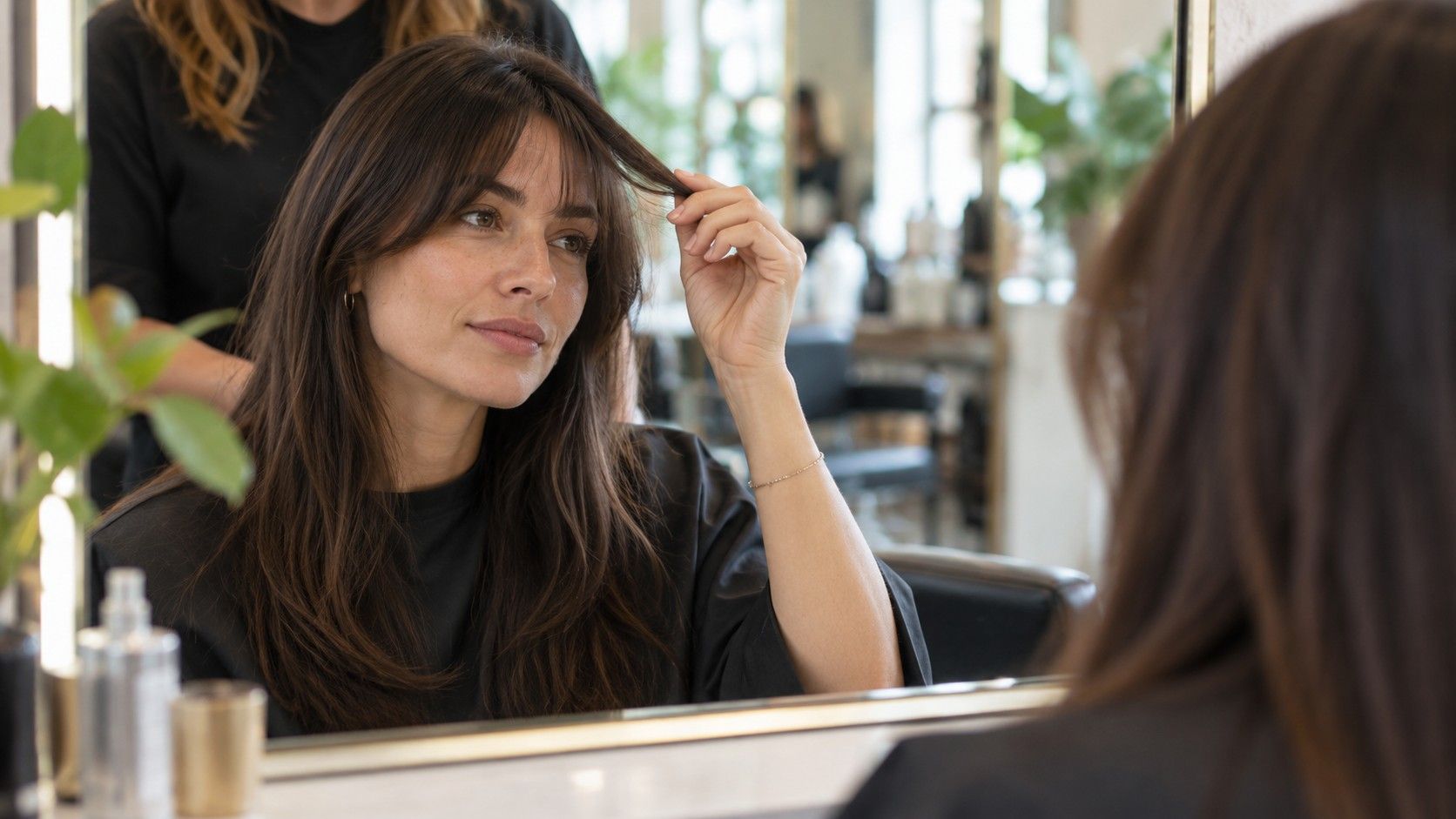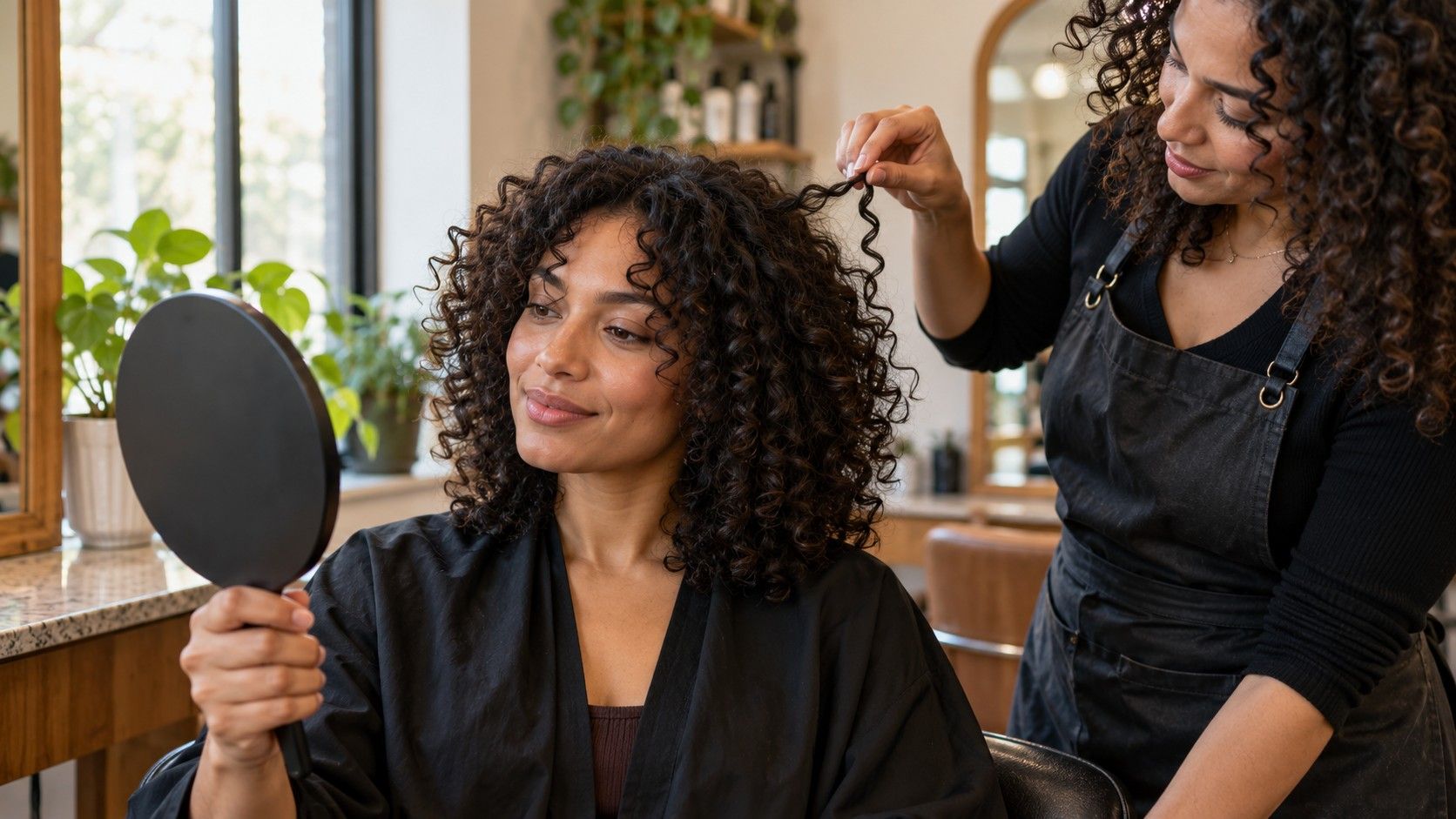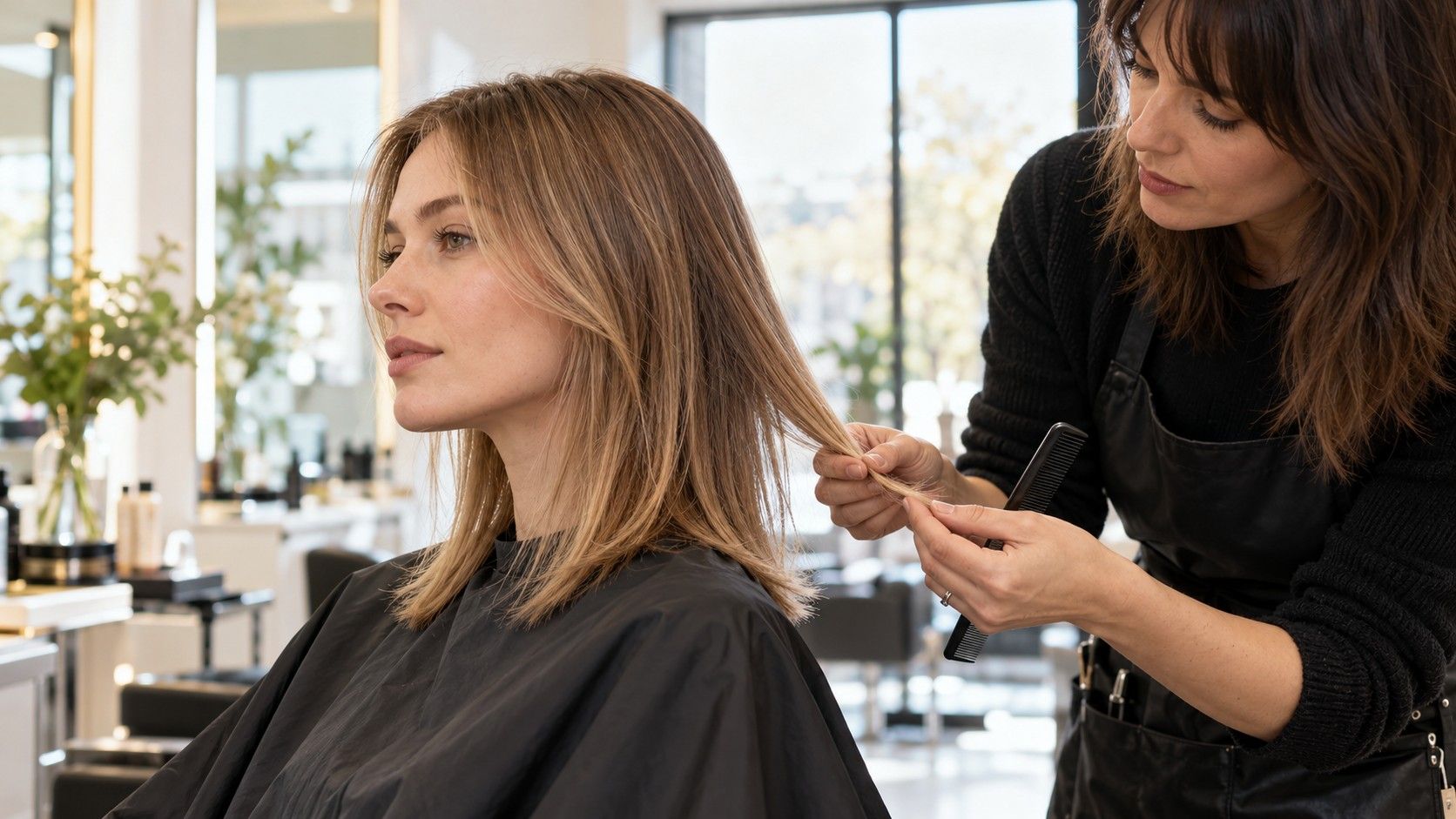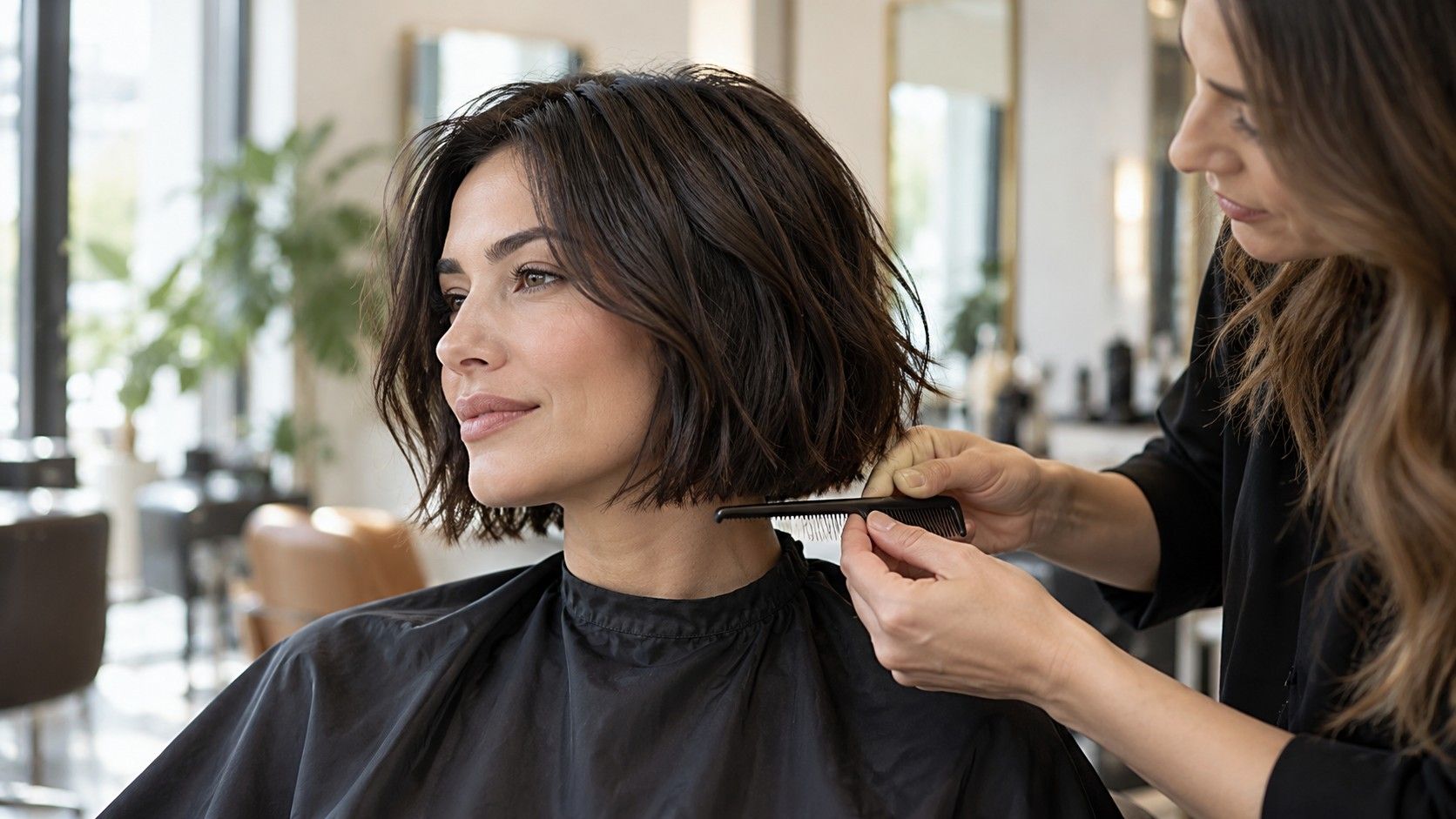
A bob can mean a jaw-skimming line, a longer shape near the shoulders, or something between the two, with layers and texture changing the outline again. A virtual bob haircut preview is useful for testing those broad differences, but it cannot reproduce your hair’s weight, curl or movement. I would use one to clarify the length and shape I want to discuss, then bring the questions the image leaves unanswered to the stylist.
Compare lengths by where they land on your own neck
Start with the endpoint, since a few centimeters can change both the look and the routine. A chin-length bob draws attention to the jaw area and leaves less hair to tie back. A shape that ends around the neck or collarbone offers more length to tuck or gather, though it can still feel like a substantial change from long hair. A shoulder-skimming version may read as a lob, but the label matters less than the line you want.
Use a photo that shows your shoulders and the full outline of your current hair. A tightly cropped selfie makes it hard to judge whether the preview stops at the chin, the base of the neck or the shoulders. Try one length at a time, and check where the ends sit against your own features and clothing. A neckline on a sweater can be a helpful reference point; it also reminds you that scarves, collars and coat hoods interact with shorter hair.
Consider what you do with your hair during the week. If you rely on a ponytail for work, exercise or hot weather, see whether the proposed length leaves enough to gather. Some bobs can be pinned back, but a preview will not show which shorter pieces escape. If tying it up is optional, you may be comfortable with a shorter line. This is a routine preference, not a rule against choosing a particular length.
Compare at least two endpoints that feel meaningfully different. One can be a cautious change that preserves some familiar length; the other can be the sharper cut you are curious about. If you like the shorter image but worry about the transition, ask the stylist where a first cut could land and whether the shape can be shortened later. A staged change can give you time to understand how your hair behaves in the new outline.
Read the perimeter and layers instead of the label
The bob’s perimeter—the line formed by the ends—does much of the visual work. A strong, blunt edge can look dense and graphic; softer ends may move more freely and blend into existing layers. A preview can suggest this difference, though smoothing and image overlays often make every edge look tidier than it will in real hair. Look closely at the bottom line and ask whether you prefer a solid outline or visible separation between pieces.
Layers change how the cut sits. Longer internal layers can remove some weight without making the outline obviously shaggy, while shorter layers may add movement or make the shape feel lighter. The right approach depends on density, texture and the way you style your hair. Rather than requesting a technical term from an image alone, point to the amount of movement you like and ask the stylist what would create it on your hair.
Some previews show a bob that is shorter at the back and longer near the face. Others create the same impression through head angle or tucked hair. For a clearer comparison, include a profile or three-quarter photo as well as the front view. Look at how the nape and front pieces relate, and note whether you want a visibly angled line or a more even shape. One front-facing image cannot settle the side and back design.
| Preview detail | What it can help you compare | What to ask in person |
|---|---|---|
| Chin or jaw endpoint | A shorter, more defined outline | Where will the front and back ends fall? |
| Neck or collarbone endpoint | A longer bob with more room to tuck | Will I still be able to tie it back? |
| Blunt perimeter | A fuller, cleaner-looking edge | How will my density affect this line? |
| Layered or angled shape | Movement and front-to-back difference | What will the side and back look like? |
Account for texture, curl and the way ends move
A virtual bob is usually shown in a controlled finish. Your own hair may sit differently after washing, air-drying or brushing, and the difference becomes more noticeable as the cut gets shorter. Waves can form bends that shift the apparent endpoint; curls may spring upward when dry; straighter hair can show a perimeter more clearly. Density and strand thickness also affect whether an edge appears compact or airy.
For curly or coily hair, compare the preview with references in a finish you actually wear. A wet cut length and a dry shape may not match visually because curls contract as they dry. The amount varies from person to person and across the head, so a generic estimate is not dependable. Tell the stylist how you usually wear your hair and ask how they plan to assess the finished length. Some stylists prefer to shape textured hair dry or in stages; the best method is a conversation about your hair and their approach.
Wavy hair can make a bob look different from one day to the next. The ends may turn under, flip outward or settle into a loose bend depending on moisture, product and drying method. A preview may display a smooth, symmetric curve that requires a blow-dry to reproduce. If your normal routine is low heat, say so before choosing a cut that depends on a polished finish. Ask what the outline looks like when styled simply.
Fine or dense hair brings a different set of questions. Fine hair may separate at the ends if too much weight is removed, while dense hair can feel bulky around the nape unless the shape is tailored. These are not fixed outcomes, and the preview cannot diagnose them. A stylist can inspect how your hair grows, where it carries weight and how the existing layers will affect the new perimeter. Bring the image as a conversation starter, not a prescription.
Check the bob from the side and in an ordinary photo
Front views are easy to compare, but they leave out the back and the profile. A bob may look balanced straight on while sitting much shorter behind the ears or forming a pronounced angle at the nape. Take a separate side or three-quarter photo with your head level and shoulders relaxed. If the app only accepts one portrait, use the front image to shortlist options and ask for real side and back references during the consultation.
Lighting and camera position can distort what you see. A phone held below the chin may make the jaw and neckline look different; harsh overhead light can blur the hair’s edge into a shadow. Use even daylight and keep the camera at roughly eye level. Make sure the image includes enough of the neck and shoulders to locate the proposed ends. The goal is a consistent reference, not a flawless photograph.
Watch for the overlay’s weak spots. It may hide the ears, fill in a thin area or place the ends at exactly the same level on both sides. If you see an abrupt edge, an odd gap or hair that crosses the neck unnaturally, do not treat that as evidence about how a real bob will behave. Save the image only if the broad shape remains useful. A rough preview that conveys “just below the jaw, fairly full at the ends” can still be a good reference.
Keep your original photo next to the preview. A filtered image may adjust contrast or facial details along with the hair, which can make the cut seem more dramatic or polished. Compare the two and name the specific feature you like: the length, the clean outline, the soft layers, or the open space at the neck. That language is easier to act on than a general request to make your hair look exactly like the edited picture.
Discuss upkeep and styling before you make the change
Ask how the proposed shape will look on a regular day, not only after a salon blowout. A rounded bob may need a brush or dryer to keep the ends turning under; a textured outline may be more forgiving when air-dried, depending on your hair. If you rarely use heat, make that clear. The stylist can suggest a version that works with your habits or explain which part of the reference depends on styling.
Maintenance has two parts: how often the outline needs reshaping and how much effort it takes each morning. Shorter, crisp lines can show growth sooner than a longer, softer shape, but timing varies with the cut and the person. Ask the stylist for a practical range rather than a fixed promise. If frequent visits do not suit your schedule or budget, say so before the scissors come out; the silhouette can often be adjusted to grow out more comfortably.
Bring two or three images with different lengths or finishes, plus a photo of your current hair. Explain what you like in each and what you want to preserve. Useful details include whether you need to tie it back, how often you wash it, whether you air-dry, and what happens at the nape when it grows. A stylist can combine those details with your hair texture and density to propose a shape that the preview cannot calculate.
Before agreeing to a dramatic change, ask the stylist to confirm the planned shortest point and show how the front, side and back will connect. If your preference is still uncertain, begin with a longer bob and decide later whether to go shorter. Hair grows back, but the waiting period is real; you deserve a clear picture of the cut you are choosing. The preview has done its job when you can describe the length and outline, understand the trade-offs, and leave room for professional judgment about your actual hair.