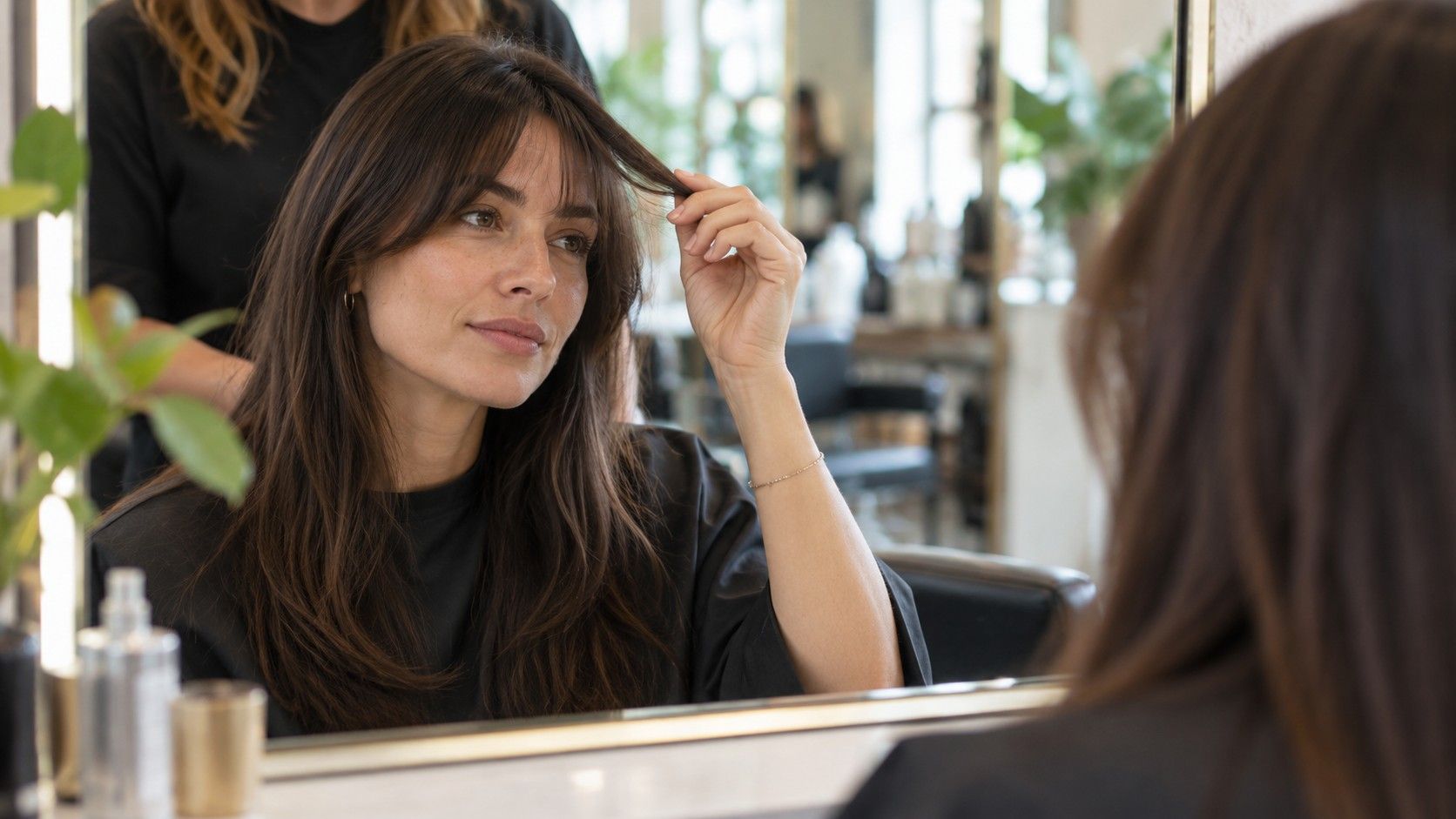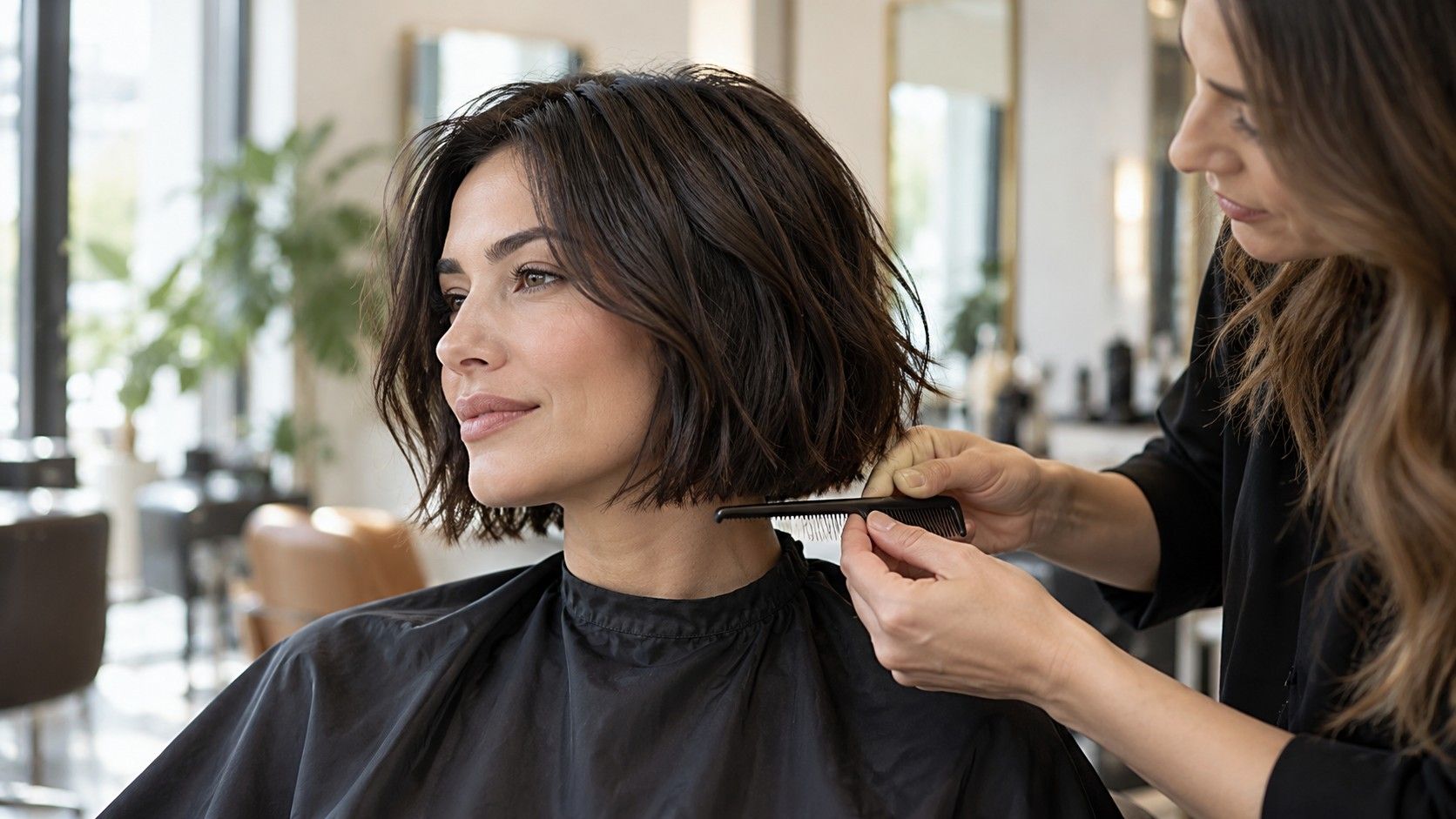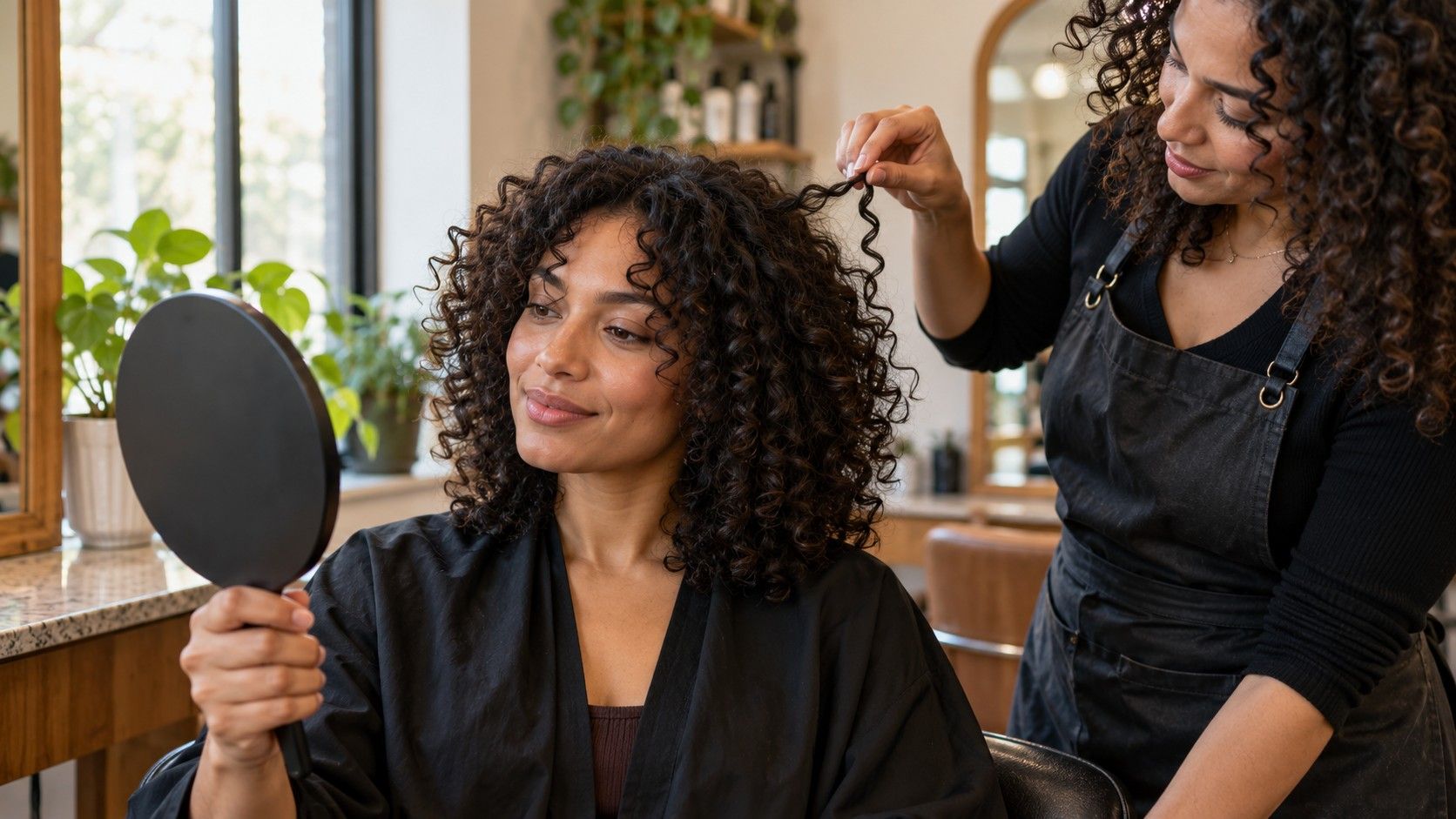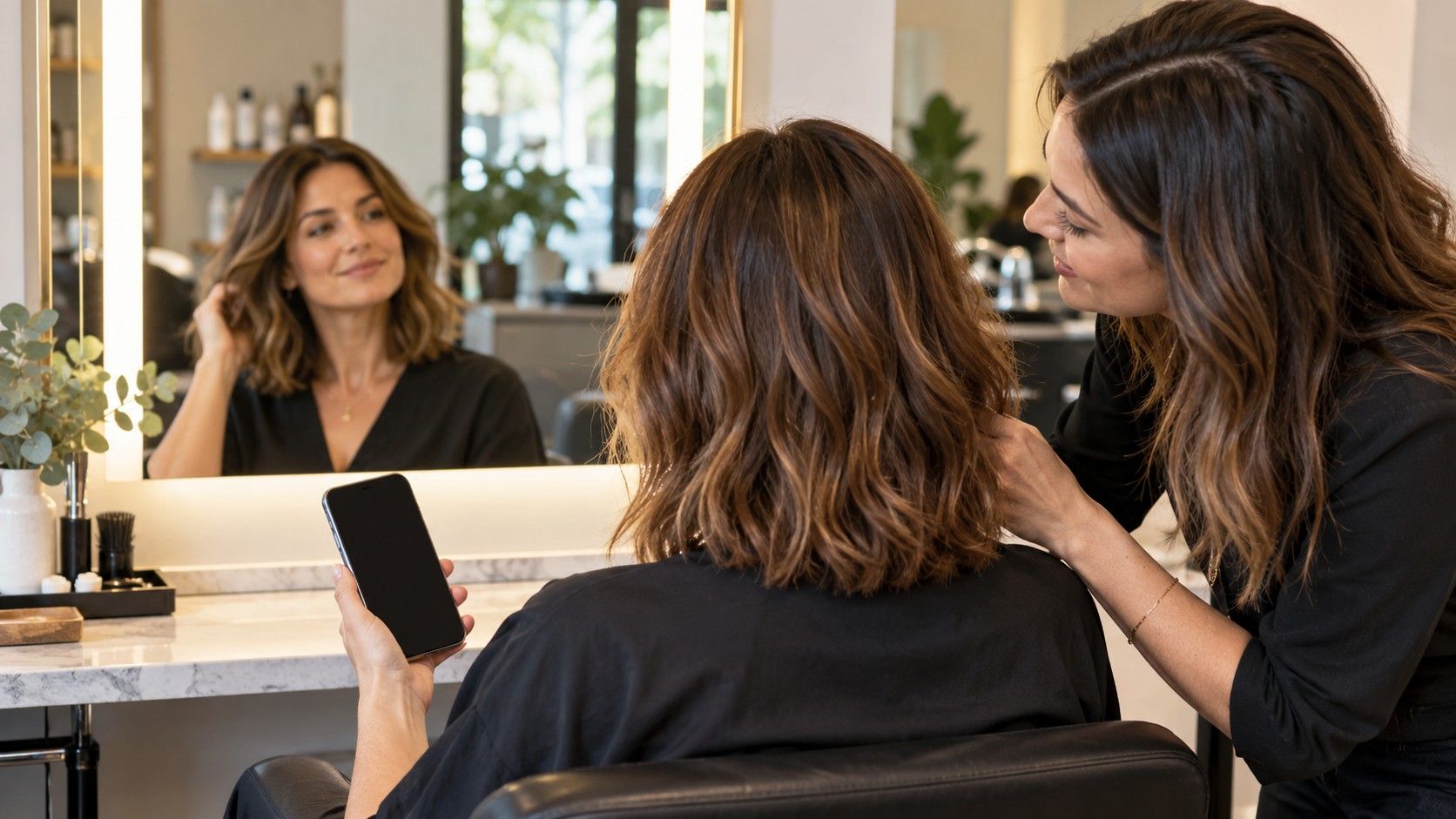
A hair style app for women can make it easier to compare a fringe, a shorter outline or a new part before booking a salon appointment. Its preview is a conversation aid, though, not a promise about what scissors will produce. Choose an app by the decisions it helps you examine: whether the cut suits your real hair length and texture, how much styling it may take, and what you can clearly ask a stylist to change.
Start with the change you actually want to explore
Before opening a catalogue of polished looks, name the decision that brought you there. Perhaps you want to know whether a collarbone-length cut feels different from your current long layers, or whether a soft fringe would sit near your eyes. A focused question makes the app useful. Browsing every color, curl and celebrity-inspired shape at once can leave you with a camera roll full of attractive but unrelated images.
Write down your starting point in plain terms: current length, usual part, and the part of your hair that frustrates you. “My ends feel heavy” points toward a different discussion from “I want to keep my ponytail” or “my fringe separates by lunchtime.” If you are considering a major change, compare one feature at a time. First test the outline, then look at layers or bangs. When several elements shift together, it is hard to tell which one you like.
Think about the setting where you will use the result. A quick preview at home can help narrow choices; it cannot account for a stylist’s sectioning, your damp hair, or the way your hair settles after drying. Save two or three images that answer the same question. A small, consistent set is more useful in a consultation than a long list of looks with different lengths and textures.
Check whether the cut and length controls answer your question
Some tools let you switch between broad categories, while others offer more specific choices such as a chin-length bob, long layers, a side fringe or a blunt edge. Labels matter less than whether you can see the distinction you care about. If you are weighing a bob against a lob, look for an option that places the hemline around the jaw or shoulders rather than one generic “short” setting.
Use any length control as a rough visual reference. Hair that appears to stop at the collarbone in an app may sit differently in life, particularly if your natural texture shrinks when dry or your shoulders slope. A preview may also smooth over the weight and movement that make a cut feel like itself. Zoom out and check the outline against your neck, shoulders and clothing, not just the face-framing area.
Here is a practical comparison to make before saving a result:
| What you are comparing | Useful check |
|---|---|
| Overall length | Can you distinguish jaw, shoulder and collarbone lines? |
| Fringe or face framing | Does the preview show where the shortest pieces begin? |
| Layers | Can you see shape and movement, or only a change in volume? |
| Part and styling | Can you compare the look with your usual part and daily finish? |
Test the preview on a photo that resembles real life
A clear, front-facing photo is a sensible first try: even light, hair visible around the face, and no hand covering the outline. Pulling every strand tightly back can help a tool detect your features, but it hides your natural hairline and growth pattern. Take a second photo with your usual part and hair worn as you normally do. The contrast between the two may reveal whether a preview is showing a plausible cut or simply pasting a shape over the forehead.
Then check the result from a little distance. Does the simulated fringe sit where your own hair grows, or does it cover a cowlick that lifts every morning? Do the ends look compatible with your current density? Apps can misread dark backgrounds, flyaways, glasses or curls, and a single frontal image says little about the back of a haircut. If the hair boundary looks too crisp or the texture suddenly changes at the temples, treat that as a limitation of the image rather than a recommendation.
Try more than one photo if you are genuinely undecided, but keep the conditions similar. A change in lighting can make the same style appear softer or fuller. Save the original beside the preview so you can see what the tool altered. This simple comparison helps you separate the cut you are considering from retouching, color effects or a flattering camera angle.
Compare helpful controls with features that only look impressive
A long menu is not automatically a better app. The useful question is whether you can make a fair comparison without losing track of your starting image. Clear undo, a way to save alternatives, and previews that preserve your own face and hairline are practical conveniences. Filters, animated effects and a crowded gallery may be entertaining, but they do not tell you whether you are ready to lose six inches or commit to a daily blow-dry.
Be careful about assuming what happens to a photo after upload. Read the app’s current privacy and storage information before adding personal images, especially if the app requests an account or access to your camera roll. Features and policies differ, and an attractive preview screen cannot answer those questions. If the terms are unclear, use a non-identifying test image or choose another way to collect references.
Also notice whether the app makes it easy to compare like with like. A side-by-side view of two lengths can be more useful than dozens of unrelated presets. Keep notes on the specific element you like: the line at the shoulder, softer pieces around the cheek, or less bulk at the ends. That language survives even if the image itself is an imperfect simulation.
Turn a saved preview into a salon conversation
Bring the image as a starting point and explain what you want to keep. “I like the length around the collarbone, but I need to tie it back” gives a stylist more to work with than “make it look like this.” Mention your natural part, cowlicks, how your hair behaves when air-dried, and the time you usually spend styling. If your hair is curly or wavy, show it in its normal state as well as any app preview that caught your eye.
Ask the stylist to translate the picture into a cut that fits your density, texture and growth pattern. You might ask where the shortest layer would land, whether a fringe would need daily shaping, and what the outline looks like when you do not use heat. These questions make room for professional judgment without surrendering the choice. A good consultation can also identify a gentler first step, such as a longer fringe or a trim that preserves more length.
Before leaving, agree on the maintenance you are willing to accept. Some shapes depend on regular trims; others grow out more quietly. If your schedule is unpredictable, say so. The best result is not necessarily the most dramatic image on your phone. It is a cut you still like on an ordinary morning, when you have the same brush, time and patience you had before the appointment.