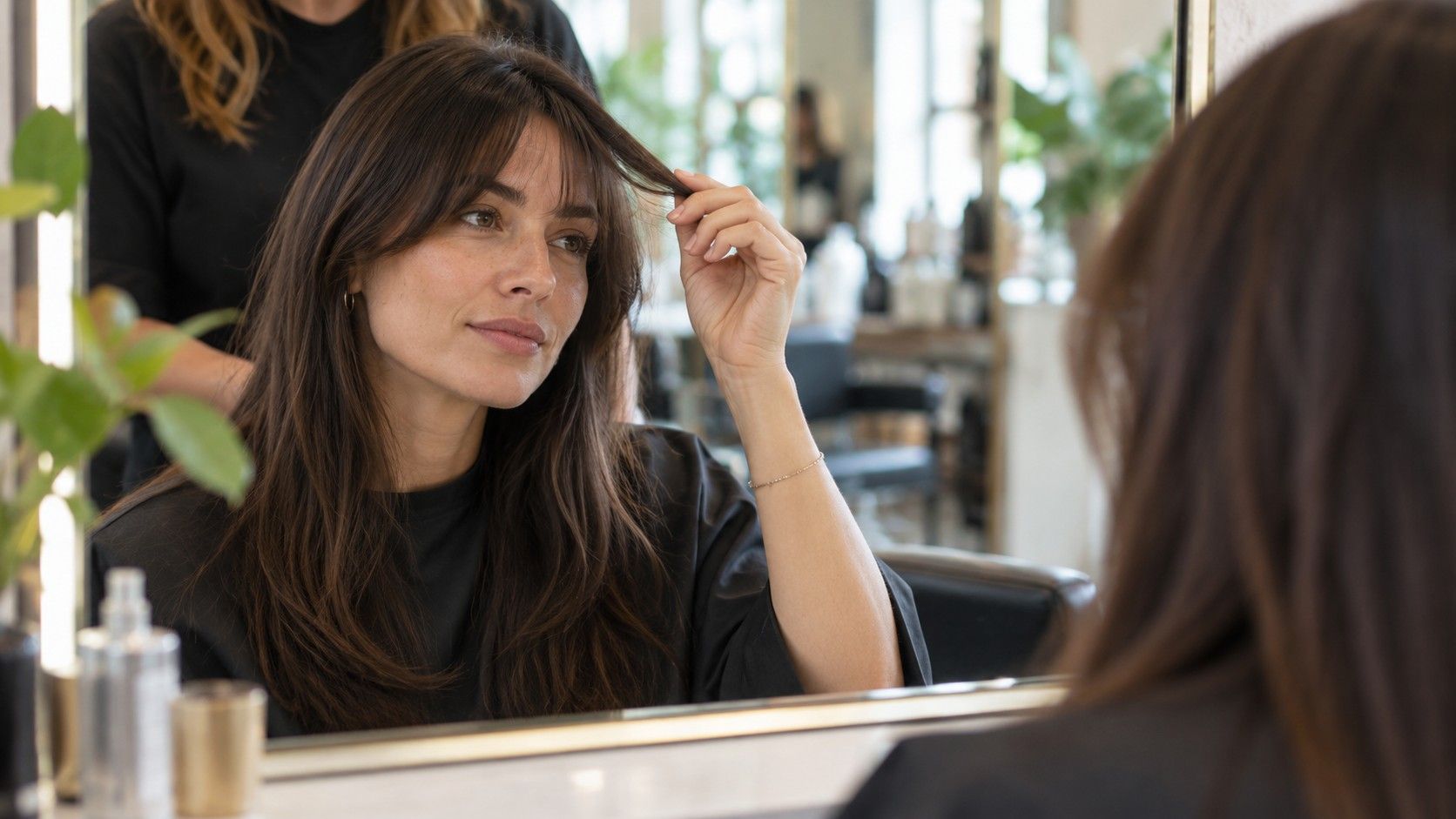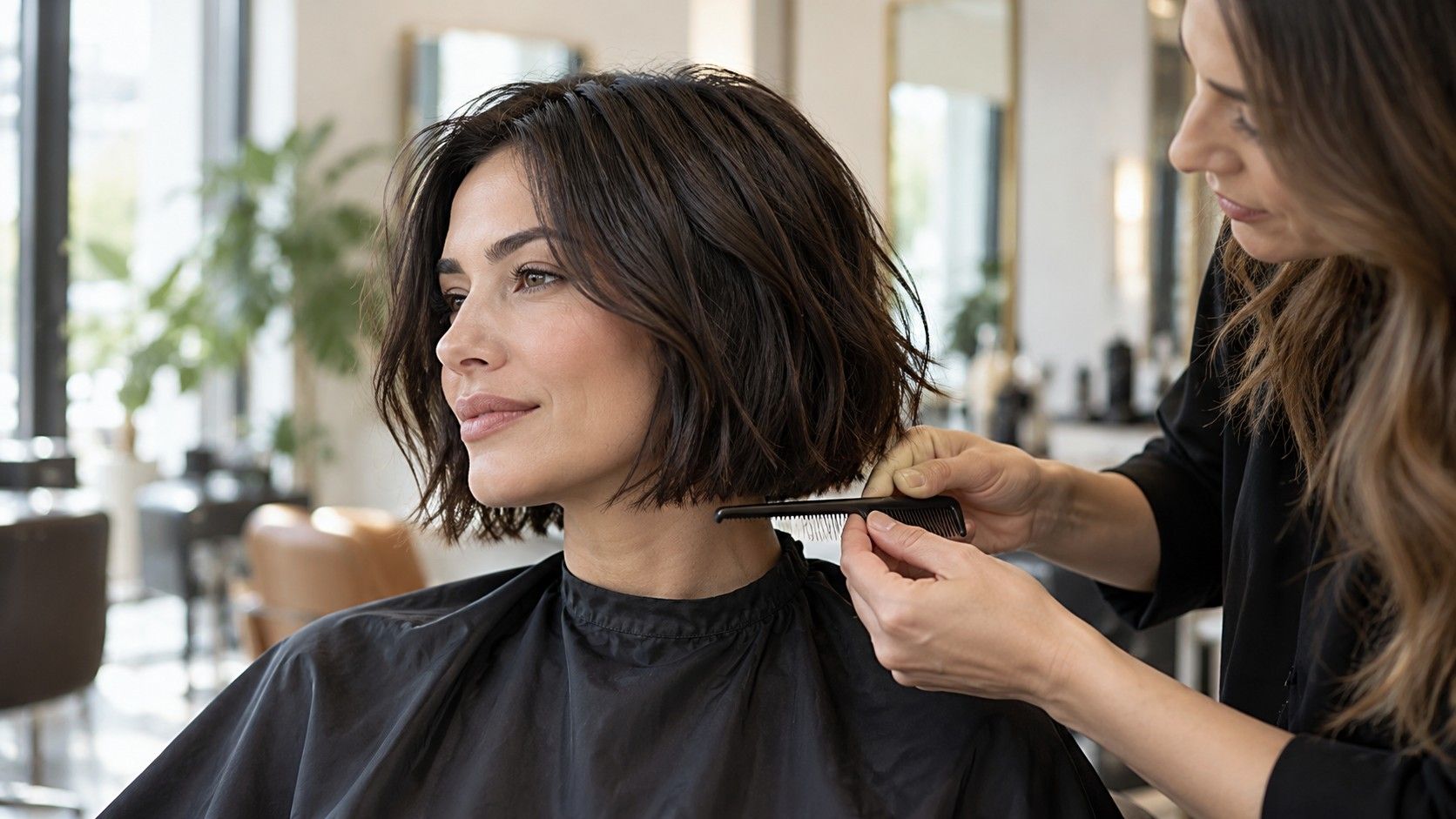
A free hairstyle try on no sign up sounds simple: open a tool, choose a look, and see whether a new length or fringe feels right. In practice, the first screen may ask for a photo, request camera access, or limit which styles are available before an account is created. A quick check of those steps helps you decide whether to continue, use a different tool, or save the idea for a salon conversation without uploading a picture.
Check what works before you create an account
Start by looking for a visible way to try a style without registering. Some services let you browse examples or test a small selection before asking for an email address; others put the sign-in screen before the preview. The difference matters if your goal is only to compare a bob with your current length. Do not assume that “free” means every style, download, or saved result is included. Read the labels on the screen and see what action triggers the next step.
Make one low-stakes attempt using a photo you are comfortable handling. If the tool asks for an account after you select a look, pause and decide whether creating one serves a real purpose. You might want to revisit saved comparisons over several days; if so, an account could be useful. If you only need a rough sense of fringe width, a temporary session may be enough. The right choice depends on what you need from the preview, not on pressure from a prompt.
Pay attention to the difference between browsing and processing. A page may show hairstyle examples without using your photo, then request an image when you tap “try.” Another may offer a camera view but restrict downloads. These steps are separate. Note what is available before sharing anything, especially if you want to compare a few options and leave without retaining a profile.
Keep expectations modest when access is limited. A preview that works without an account may offer fewer styles or less control over parting, length, and texture. That can still answer a broad question, such as whether you like hair above the shoulders. It is less useful for judging a precise cut line or a fringe that must work around a cowlick. Limited access is not necessarily a problem if you match the tool to the decision.
Choose browser or app access based on the task
A browser-based preview can be convenient when you want to try one idea and close the tab. You may not need to install anything, and the page can be opened on a laptop with a larger screen for comparing details. The tradeoff is that browser behavior varies: a site may rely on camera permissions, resize an uploaded photo, or lose an unsaved result when you close the page. Check what the screen says before selecting a file or granting access.
An app may make repeated comparisons easier if it stores preferences or keeps a history, but those conveniences may require an account or device permissions. Installing an app does not itself prove that a preview is more accurate. Consider whether you need the extra tools, how often you will use them, and whether the requested access makes sense for that task. A hairstyle preview does not ordinarily need your contacts or location to show a haircut idea.
Before choosing, consider where you plan to view the image. On a phone, the camera can capture a clear portrait, but a small display makes it harder to compare ends and hairline details. A laptop is useful for side-by-side inspection, though its camera angle may be lower than eye level. You can use a photo already taken in good light rather than granting live camera access, if the tool supports that route.
| Access route | Useful when | Check before continuing |
|---|---|---|
| Browser preview | You want a quick, one-time comparison | Whether the image can be saved and what permissions appear |
| Installed app | You expect to compare looks repeatedly | Account requirements and requested device permissions |
| No-photo style gallery | You are collecting general haircut references | Whether examples match your texture and length |
Whichever route you choose, use the same starting photo when comparing options. Switching between a sunlit portrait and an indoor selfie can change contrast and face proportions, making one style seem better for reasons unrelated to the cut. Keep the part, expression, and camera distance steady. Then change one feature at a time: length first, fringe second, layers later.
Review photo permissions before sharing an image
A request for photo access should be clear enough for you to understand what it covers. On a phone, selecting one picture from the photo picker is different from allowing ongoing access to an entire library. If the system offers a choice, grant only what you need for the preview. If a service asks to use the camera, you can decide whether a live capture is worthwhile or whether an existing photo gives you more control.
Read the service’s own privacy information if you need to know how uploads are handled, how long they are retained, or whether they are used for other purposes. Do not infer those details from the word “private,” a padlock graphic, or the fact that no account is required. A tool can work without registration and still process an image remotely; conversely, an account requirement alone does not tell you exactly how an image is stored. Look for specific statements and dates rather than relying on a visual cue.
Choose a photo that shows the haircut question and little else. A plain background makes the hair outline easier to inspect. Crop out family members, work badges, documents, or personal details that have no bearing on the style. Avoid using a picture of someone else unless you have their permission. The goal is a useful reference, not a complete personal profile.
If the permission prompt feels broader than the task, decline it and see whether there is another way to continue. You can browse a gallery, use a photo picker with limited access, or stop there. A tool that cannot proceed without broad access may still be one you choose, but make that choice deliberately. There is no haircut decision so urgent that you must accept a permission request you do not understand.
Save results in a way you can find and control
If the preview is useful, decide how to keep it before closing the session. A screenshot can preserve the image and the chosen style label, but it may also capture account prompts or other screen details. Crop the saved copy to the relevant comparison and give it a plain filename, such as “shoulder-length-side-part.” Keep the original photo separately so you can tell what changed.
When a tool provides a download button, check the file before sharing it. Confirm that it is the result you selected, not a low-resolution thumbnail or an image with an unexpected watermark. Avoid assuming that deleting a local copy also deletes an upload from a service. If you want to remove an image from an account or ask about retention, follow the service’s stated controls and privacy contact route.
Keep only a short comparison set. Two or three labeled references are easier to discuss than a long run of near-duplicates. Add a note beside each one: “like the jaw-length outline; unsure about daily styling” or “keep length, soften the fringe.” That note will help a stylist understand what you saw in the preview without turning the image into a fixed order.
Be thoughtful before sending a preview through a group chat or posting it publicly. A simple haircut image can reveal more than intended if the original portrait includes a recognizable background or other people. Share the cropped reference with the person who needs it, and keep the unedited original for your own consultation. Saving safely includes the choice of audience as well as the device folder.
Know when registration changes the experience
Registration can make sense when you want to return to saved looks, compare progress, or use a service across devices. It may also be required for features the provider chooses to place behind an account. Before signing up, check what information is requested, whether the service explains how to delete the account, and whether the benefit matches your purpose. An email address just to test one fringe may not be worth the extra step for you.
If you do register, use a password you do not reuse elsewhere and provide only information that is needed for the account. Review any optional marketing choices separately from required terms. The important distinction is practical: an account can help retain a set of references, but it does not improve the physics of the preview or guarantee that the shown style will behave like your hair.
Also consider the value of a one-time preview against the time it takes to make an account. If you are still deciding whether to cut four inches, you might first compare reference photos from people with a similar texture and density. If a virtual result would help you describe a shape, try a tool that allows that step with an acceptable permission choice. You can stop if access is more complicated than the decision warrants.
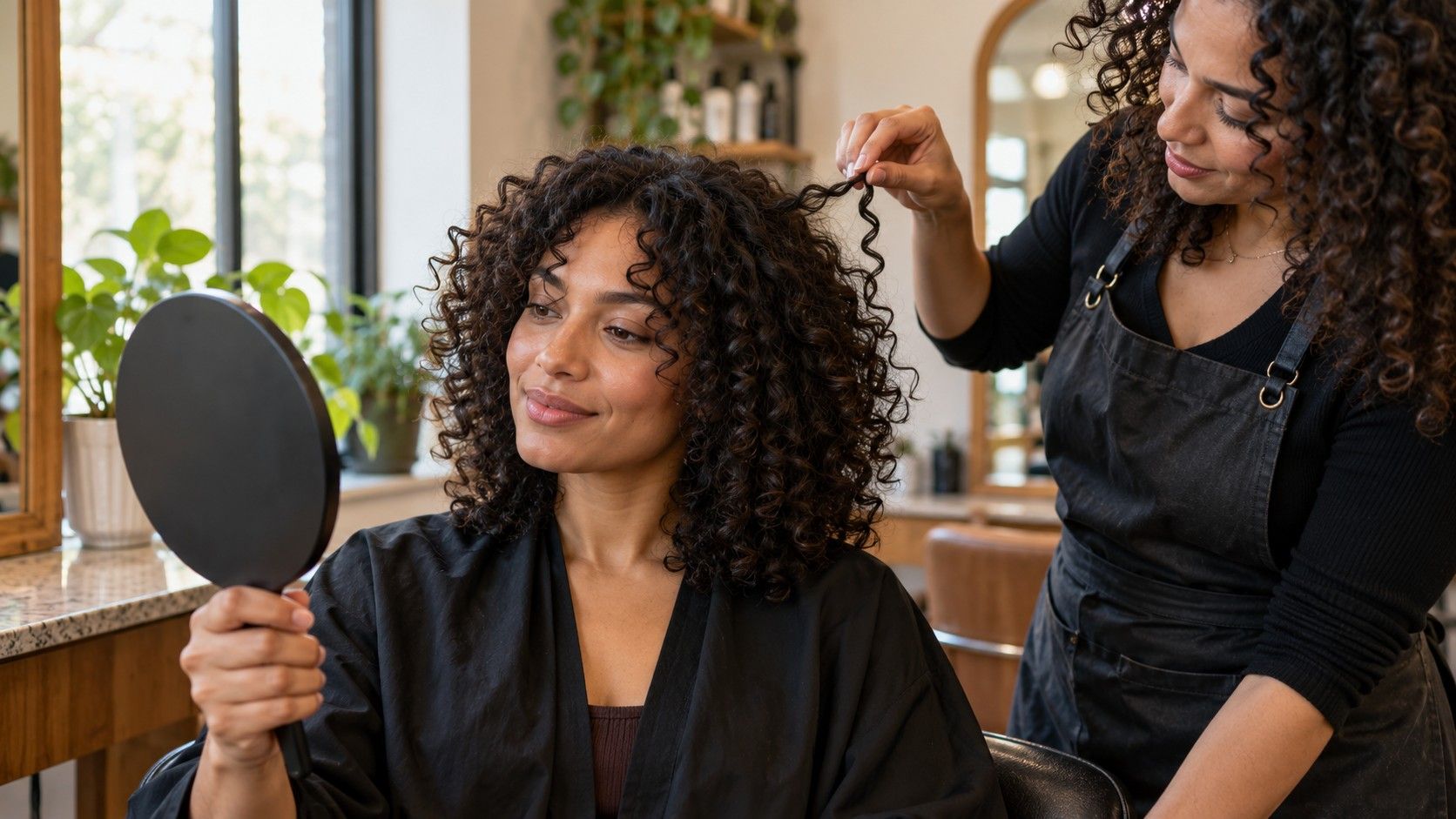
Regardless of access method, the preview has limits. It cannot show how your ends feel, where your growth pattern lifts, or how a style dries after a wash. Curly hair may shrink above the apparent length; fine hair may not hold the same volume as a rendered example. Treat the image as a visual prompt and ask a stylist how the cut can be adapted to your texture, head shape, routine, and maintenance preferences.
Turn the preview into a useful salon reference
Before an appointment, choose the image that communicates one main idea. Say whether you want to preserve length, expose the neck, add face-framing pieces, or explore a fringe. Bring the original photo as well, particularly if the preview smoothed your hairline or changed the apparent density. Your stylist can compare the reference with the way your hair naturally falls.
Ask about the parts a screen cannot answer: how the cut will look air-dried, whether your cowlick will split the fringe, how often the outline needs a trim, and whether the shortest pieces can still be tied back. If the preview suggests a dramatic change, ask whether a smaller first step would let you test the shape. A collarbone cut can be shortened later; hair above the jaw takes longer to grow back.
Do not ask a stylist to reproduce every edge of a digital preview. Explain what you like and where you are flexible. The stylist may adapt the length to your curl pattern or adjust layers around density. That conversation is the useful outcome: you arrive with a clearer preference while leaving room for the realities of your own hair.
A free hairstyle try on no sign up is most helpful when it gives you a quick, low-pressure way to explore shape. Check what the tool offers before uploading a photo, choose permissions that fit the task, and save only the comparisons you can explain. Then let the preview inform a consultation rather than decide the haircut on its own.