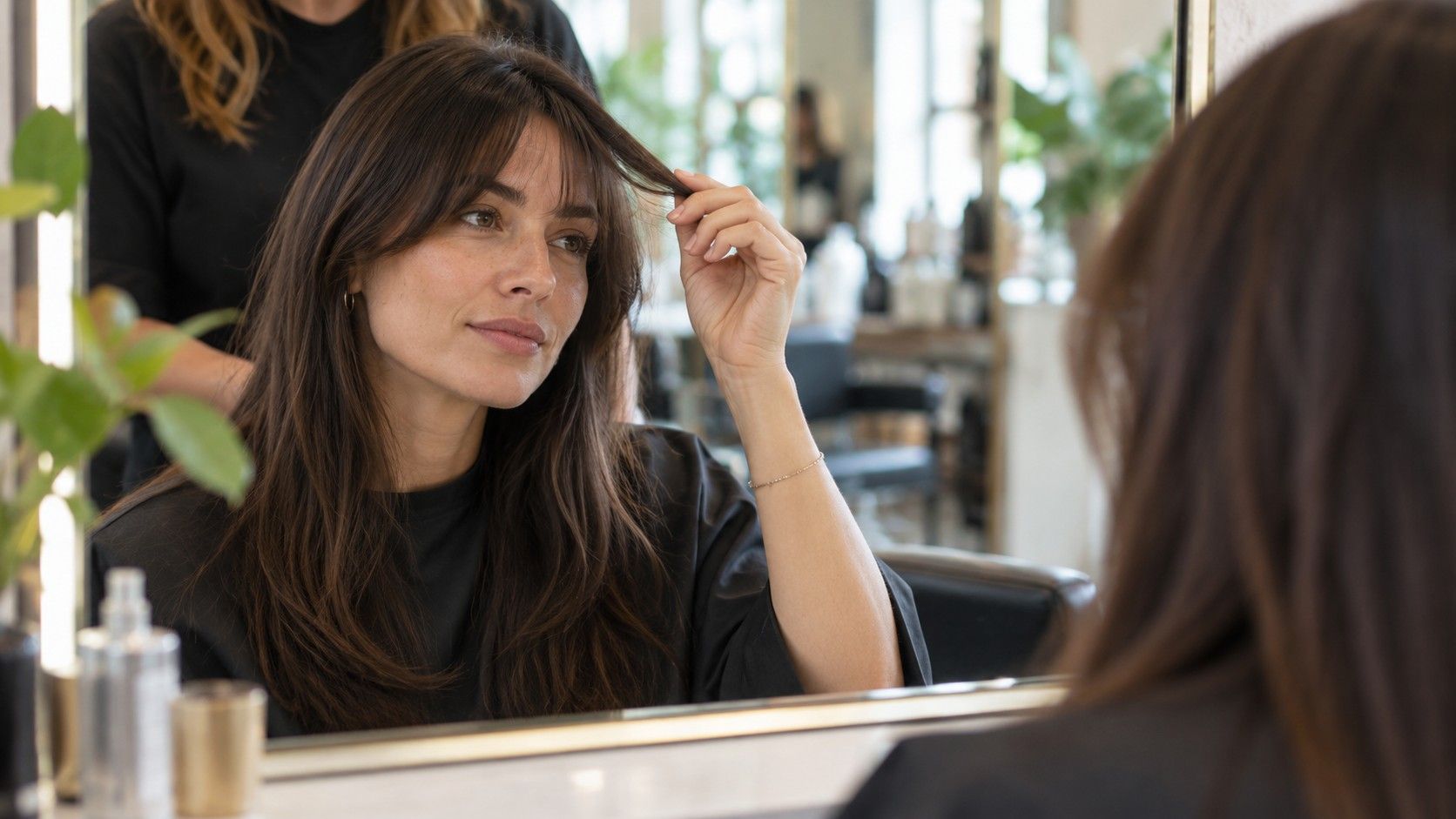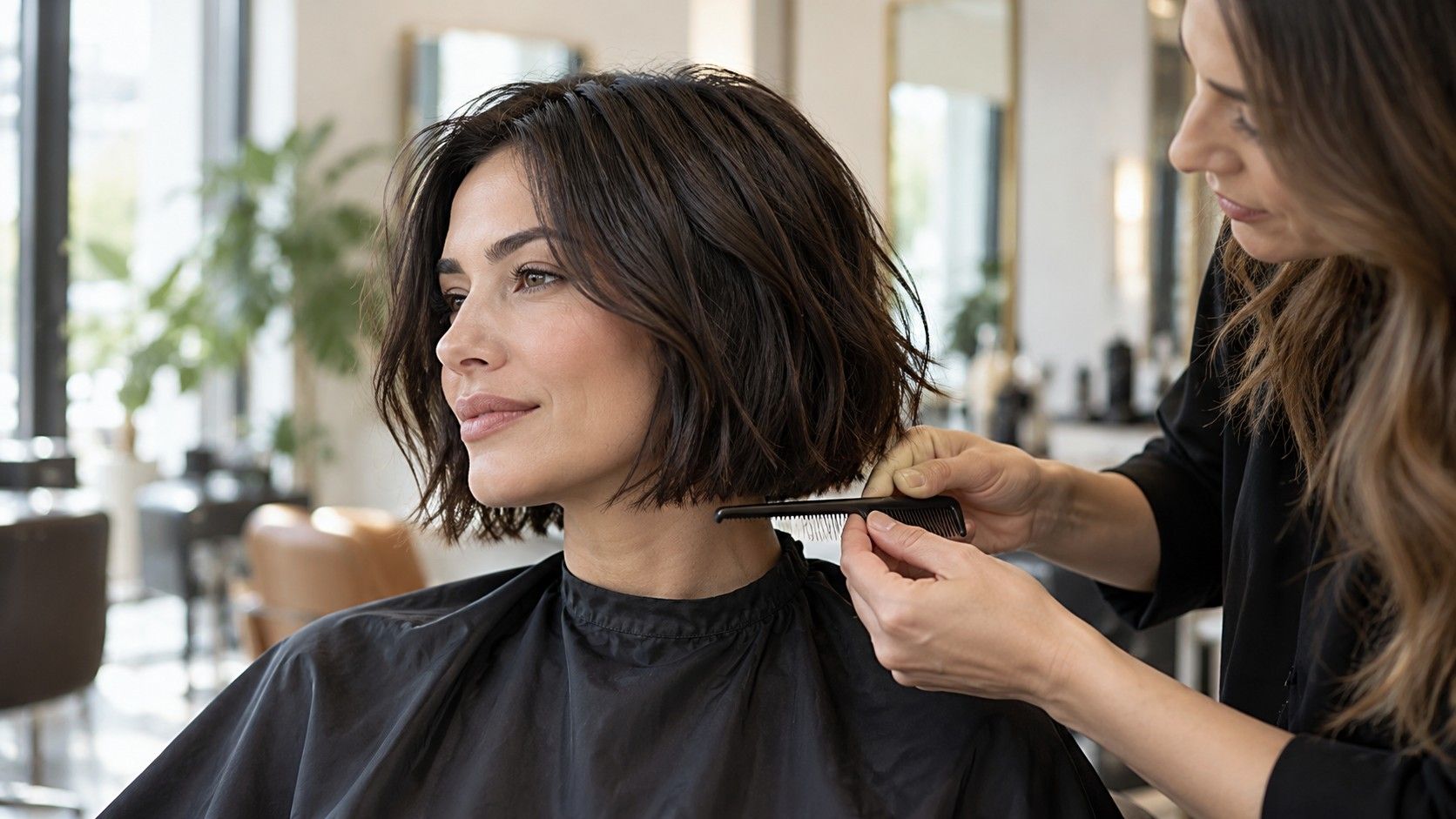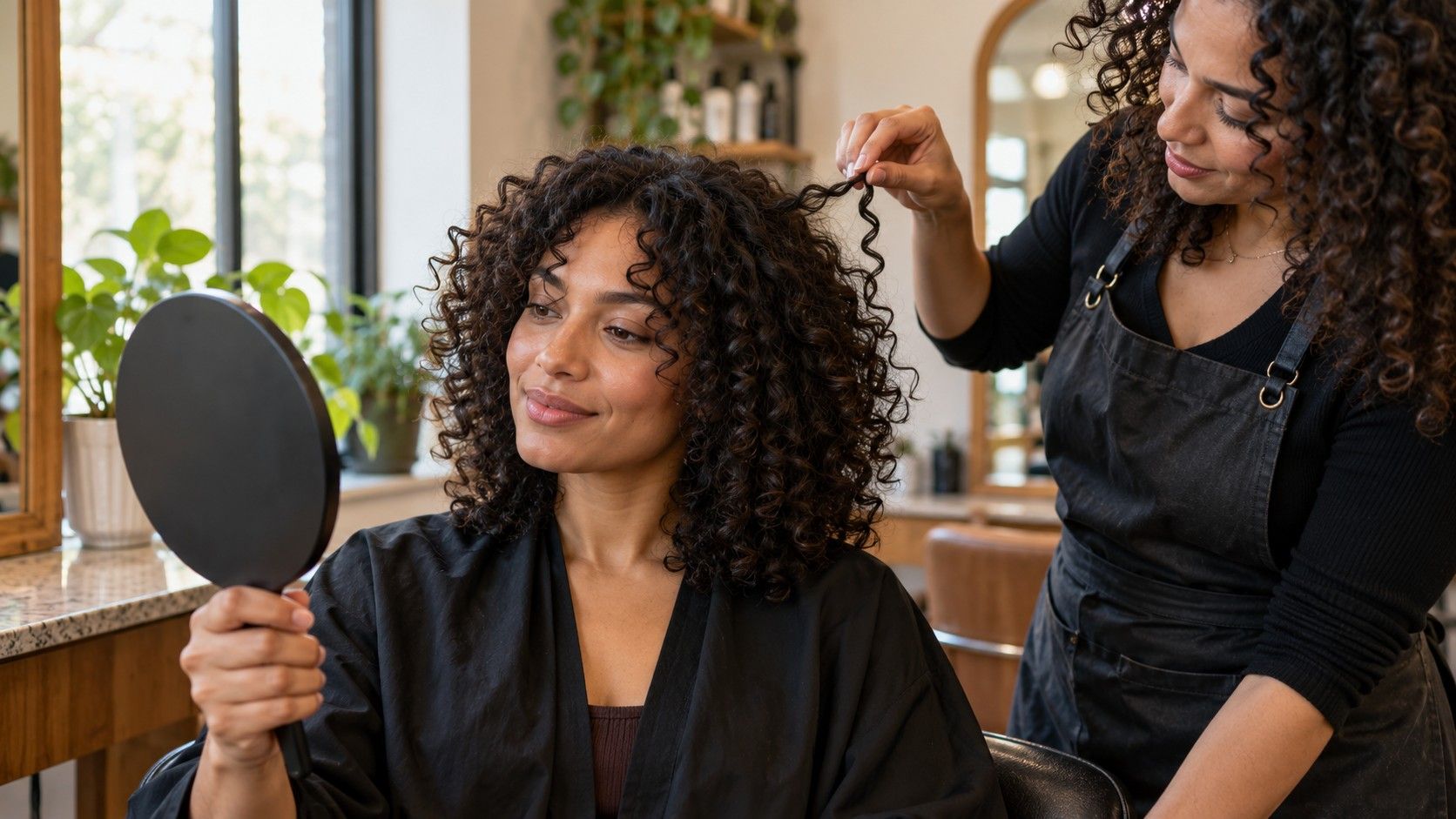
An app store listing can make a hairstyle app free to install while placing its useful tools behind a trial, subscription or one-time purchase. Before adding a photo, open the feature you actually want and look for the point where payment appears. Is a preview included without a charge? Can you compare more than one look? Does the app ask you to start a trial before showing the result? These are separate questions, and the word free does not answer them.
Check what “free” means before you upload
I check the small print on the screen that appears immediately before a preview or export. Pricing can differ by country, platform and promotion, so an old review may not describe the offer in front of you. Read the renewal period, cancellation method and any trial end date. If a payment screen is unclear, leave it and use another option; a haircut idea is not worth an accidental recurring bill.
A free hair app may also limit the number of previews, styles or saved images. Try a single low-stakes photo first, then see what is available before spending time arranging a gallery. Avoid uploading a picture that includes other people or personal details in the background. The app’s current privacy notice is the place to check how photo storage, deletion and processing are handled; do not infer those practices from a free price label.
Separate a hairstyle preview from photo editing
Some tools place virtual hairstyles beside filters, retouching, hair color changes and general portrait effects. Those features can be entertaining, but they answer different questions. A style overlay may help you compare a rough outline or fringe position. A beauty filter can change skin texture, face shape, lighting or even the apparent hairline, which makes it harder to judge a cut.
For a haircut decision, look for controls that change length, parting, fringe or silhouette without quietly changing the rest of the portrait. If the app smooths the image or reshapes facial features, turn those controls off where possible. Keep an untreated copy on your phone and compare it beside the result. I trust a preview more when I can tell which parts of the image have been altered.
Consider what the app cannot show. It does not feel your curl pattern, density, cowlicks or the way your hair falls after washing. A sleek bob placed on a portrait does not tell you whether your own ends will sit that way without heat styling. Use the image to notice a direction—shorter around the jaw, more open at the forehead—not as a promise of the exact salon result.
Look at export limits before building a reference
A preview can be useful on screen and still be awkward to take to a salon. Check whether the free tier lets you save the image at a readable size, whether it adds a watermark, and whether saving requires an account or upgrade. If the only free output is a small thumbnail, write down the style and take a screenshot only if the app permits it and the image remains clear.
One image rarely communicates the whole request. Keep a clean photo of your current hair alongside the preview, plus a short note about the desired length and what you want to avoid. “Around collarbone length, with a soft fringe that can be tucked away” gives a stylist more to discuss than a dramatic edited portrait by itself. Mark the parts you like rather than presenting every element as a requirement.
Check where files go when you export. A save button may place an image in your camera roll, share sheet or an account library. If you later remove the app, that does not necessarily remove a copy you saved elsewhere. Keep only references you need, and review the app’s own instructions if you want to remove an uploaded image or account data.
Compare results with the same photo and a short list
It is tempting to try a new selfie for every style, especially when the first few overlays look slightly off. That makes the comparison unreliable: a changed camera height, head tilt or expression can affect the outline as much as the haircut. Take one front-facing photo in even daylight, with hair visible around the face and shoulders, then use that same image for each option.
If you normally part your hair to one side, use that part in the first round. A second photo with hair pulled back can help you see the hairline, but keep it as a separate comparison rather than mixing the two sets. Avoid direct sun, strong overhead lighting and a wide-angle close-up. Those conditions can distort proportions or hide details, and no app can repair every mismatch in the source image.
Compare a few meaningfully different cuts: perhaps your current length, a modest change and one larger change. Look first at length and outline. Then consider fringe, layers and how much styling the image seems to imply. Save a result only if it helps you articulate a preference. A folder of fifteen near-identical overlays makes a salon conversation harder, not richer.
Decide when the free version has done enough
A free hairstyle app has done its job if it helps you narrow the question. You might learn that you prefer the lighter feel of shorter layers but do not want to lose the ability to tie your hair back. That is a practical result even if the simulated texture looks artificial. The point is to make a better conversation possible, not to find a perfect digital twin of your future haircut.
Before upgrading, ask what paid access would add to your particular decision. More styles may help if the free selection lacks your length or texture; a high-resolution export might matter if you want to print a reference. If the paid feature is mainly another set of filters, it may not address your uncertainty. Check the current price and renewal terms directly in the purchase flow rather than relying on a third-party roundup.
Use the preview as one reference among several. Pair it with photos of real hair that has a texture and density closer to yours, and discuss growth pattern, daily styling and maintenance with the person cutting it. A stylist can explain where a shape needs weight removed, where it may spring up when dry, and what changes between a salon blowout and your usual routine. Those details matter more than the app’s rating of which style suits you.
If you are still unsure, wait a day and look at the shortlist on a different screen or in ordinary room light. The styles that continue to make sense are usually easier to describe. Keep the original photo untouched, label the preview as a simulation, and bring two or three alternatives rather than one “perfect” result. You will leave room for professional judgment and for the actual behavior of your hair.